
MacVidCards Europe – Graphics Card Upgrades for Apple Mac Pro
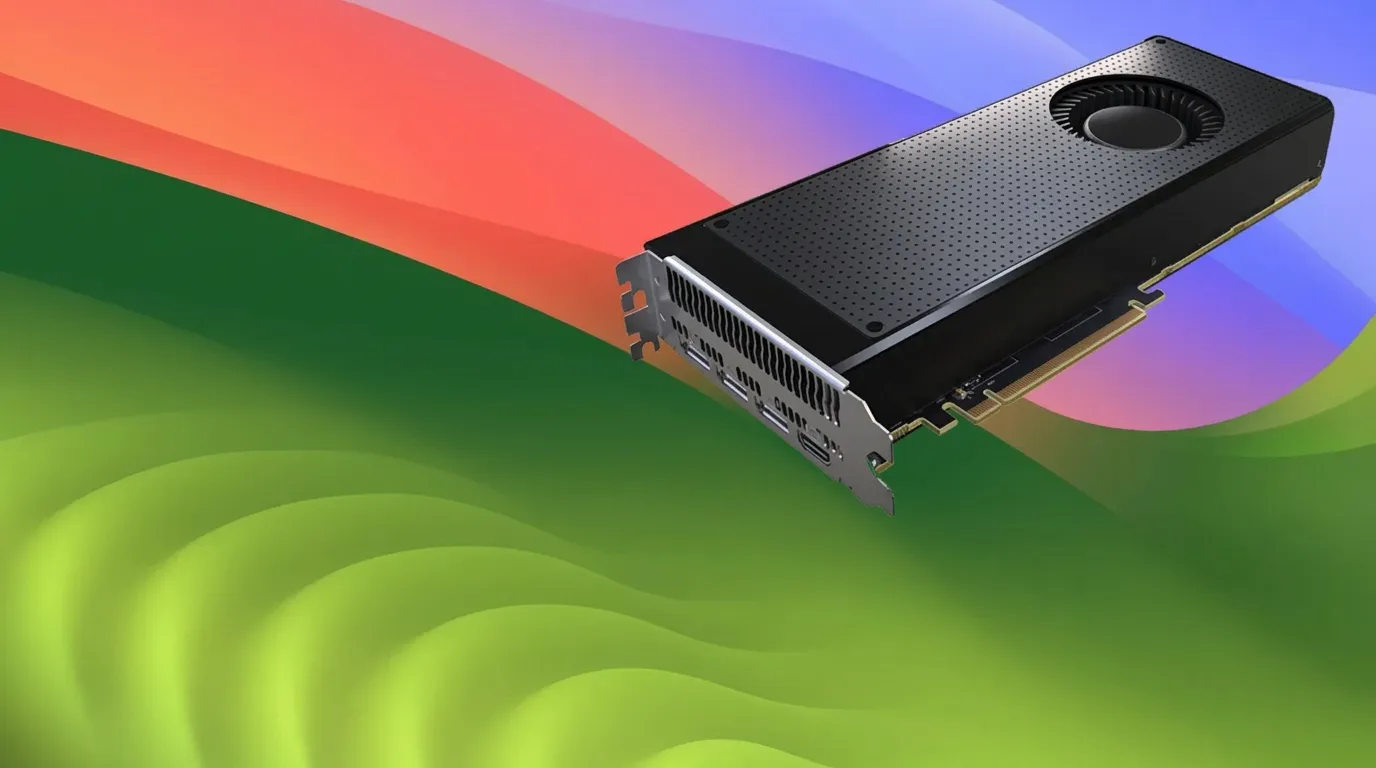
MacVidCards Europe provides graphics card upgrades and custom-flashed video cards for Apple Mac Pro computers. Designed for classic Mac Pro workstations, these video cards provide native Apple boot screens, full Metal architecture support, and multi-display outputs for demanding creative workflows.
Worldwide Express Shipping
Orders are securely packed in anti-static materials and prepared for prompt dispatch. We provide worldwide express shipping within 24 hours, ensuring reliable delivery across Europe and internationally.
Graphics Card Categories for Mac Pro
Browse GPU solutions tailored for specific graphics architectures and professional compute requirements.
AMD Graphics Cards
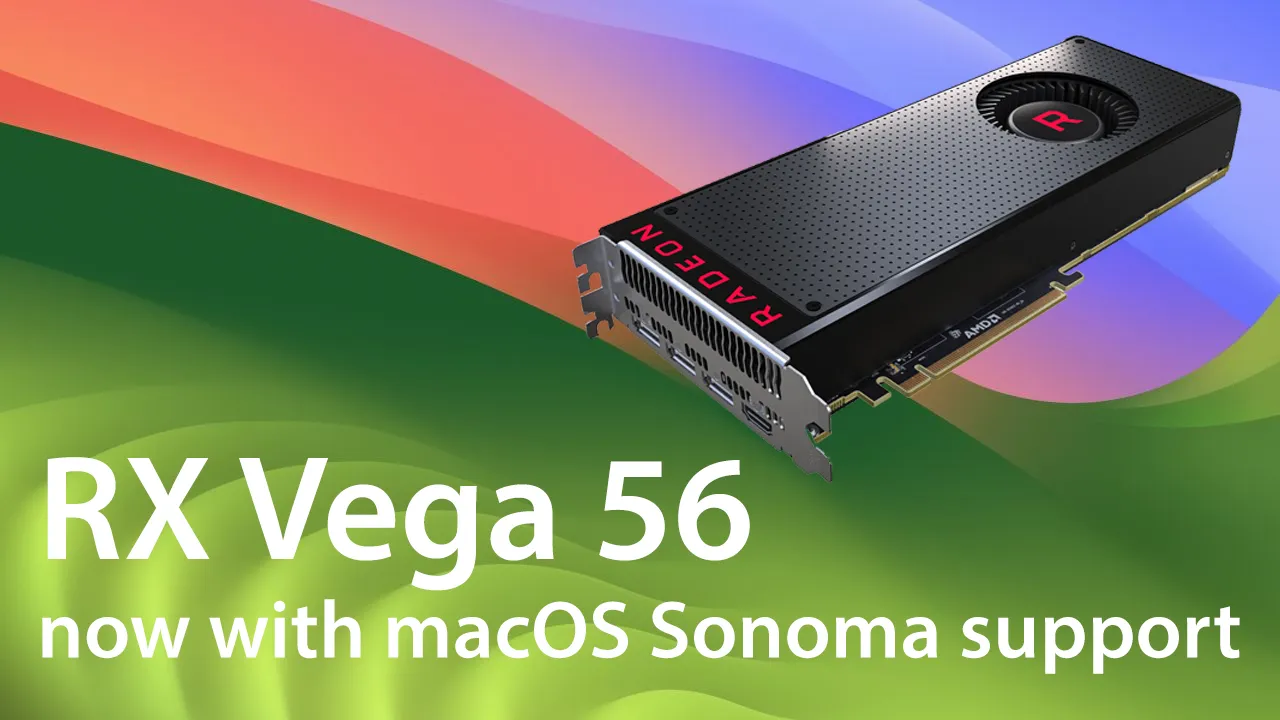
AMD Radeon cards offer native macOS compatibility and Metal acceleration across modern operating systems. Architectures like Polaris and Vega provide high compute performance for video editing, photo workflows, and 3D software without third-party drivers.
NVIDIA Graphics Cards
Selected NVIDIA GeForce and Quadro cards deliver dedicated CUDA acceleration for specialized 3D and rendering workloads. They provide flexible multi-display connectivity for compatible macOS installations and Windows dual-boot environments.
Compatibility by macOS Version
Upgraded graphics hardware allows classic Mac Pro towers to run modern versions of macOS smoothly.
| macOS Mojave and Catalina | macOS Mojave and Catalina require a Metal-capable graphics processor. Installing a compatible video card unlocks full hardware acceleration, system-wide dark mode, and support for recent software suites on classic workstation hardware. |
|---|---|
| macOS Big Sur and Monterey | Upgraded AMD Radeon cards maintain fluid interface responsiveness and stable multitasking in macOS Big Sur and Monterey, keeping workstations productive for demanding day-to-day creative projects. |
| macOS Ventura and Sonoma | Advanced GPU upgrades support Metal features in macOS Ventura and Sonoma, enabling smooth 4K timeline playback, multi-track audio processing, and reliable visual rendering on classic towers. |
Best Graphics Cards by Mac Pro Generation
Each Mac Pro generation has unique firmware architecture, bus speeds, and power connections.
| Mac Pro 4,1 and 5,1 | Mac Pro 4,1 and 5,1 towers feature dual PCIe 2.0 x16 slots and robust power delivery. Flashed cards restore the native EFI boot screen for drive selection, hardware troubleshooting, and recovery mode. |
|---|---|
| Mac Pro 3,1 | The Early 2008 Mac Pro 3,1 supports PCIe 2.0 video upgrades that deliver modern display resolutions while staying within system power limits. |
| Mac Pro 1,1 and 2,1 | Early towers with 32-bit EFI benefit from compatible video cards that provide clean digital display outputs and responsive desktop acceleration. |
Featured High-Performance Video Cards
Explore our featured graphics upgrades engineered for performance and reliability in Apple towers.
AMD Radeon Pro W5700 8 GB GDDR6
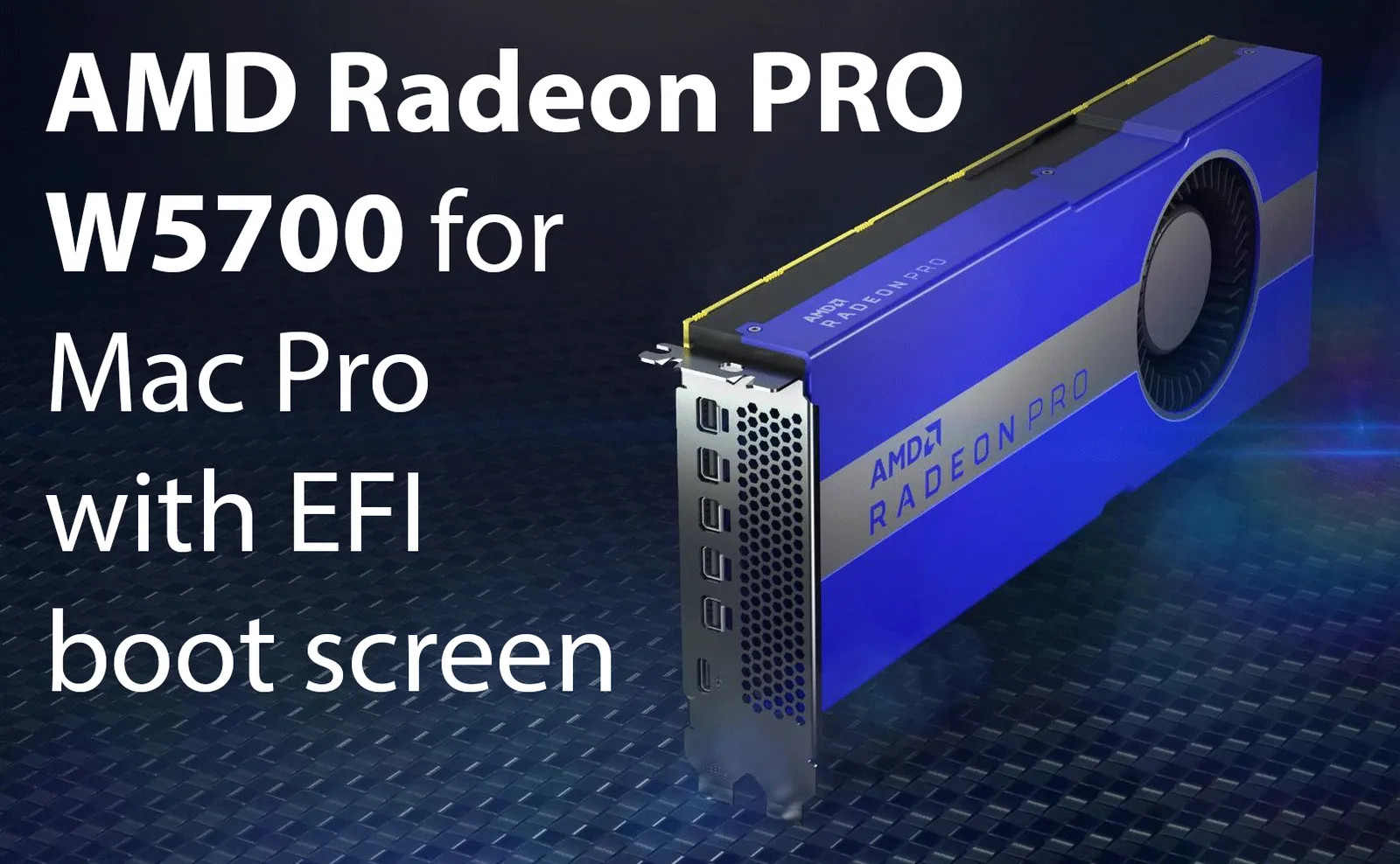
The AMD Radeon Pro W5700 workstation card features RDNA architecture, 8 GB of high-speed GDDR6 memory, and multiple DisplayPort outputs. It delivers workstation-class compute power for real-time video editing and multi-monitor setups.
Sapphire Pulse AMD Radeon RX 580 8 GB GDDR5
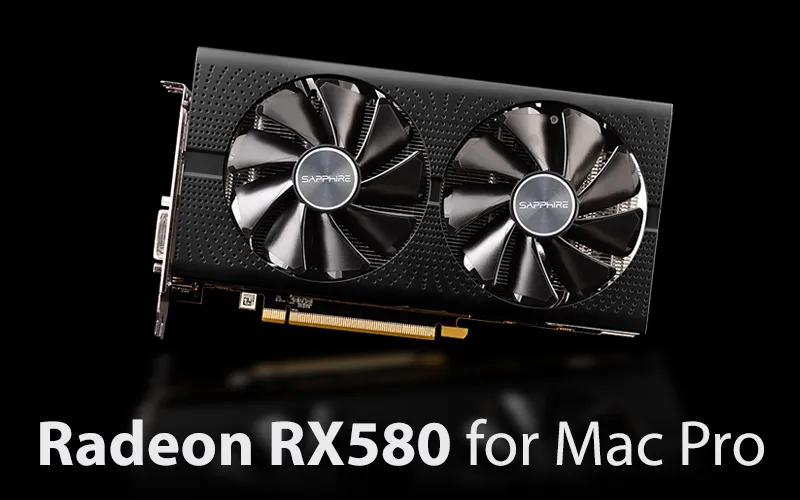
The Sapphire Pulse Radeon RX 580 8 GB is a dependable and quiet upgrade card. It offers full Metal support, dual cooling fans, and seamless plug-and-play operation for modern macOS versions.
How to Choose a Mac Pro Video Card Upgrade
Consider these key hardware factors when choosing an upgraded graphics card for your workstation:
- Boot Screen Support: Flashed firmware enables the native Apple boot screen, essential for drive selection and recovery mode.
- Power Requirements: Check auxiliary power cables, using dual mini 6-pin logic board headers to safely supply necessary wattage.
- Operating System Support: Ensure your target macOS release provides native drivers for the chosen GPU architecture.
- Display Connectivity: Verify matching video outputs, such as DisplayPort or HDMI, for your monitor setup.
Frequently Asked Questions
Find answers to common questions about upgrading graphics cards in Apple Mac Pro towers.
Why is an Apple boot screen important?
Standard PC cards stay dark until the desktop loads. Flashed firmware restores the native EFI boot screen, enabling Option-key boot drive selection, FileVault login, and recovery access.
Do AMD graphics cards require extra drivers in macOS?
Modern AMD Polaris and Vega cards are natively supported by macOS Mojave and newer releases, requiring no third-party web drivers or extensions.
How are upgraded video cards powered?
Mac Pro towers provide two mini 6-pin auxiliary power sockets on the logic board. Proper adapter cables supply the necessary power safely alongside the PCIe slot.